Signing Up for Emoji and Design Tools Without Handing Over Your Email
Stop handing your real email to emoji makers and sticker apps. Here's how a disposable address handles verification and keeps your inbox clean.
You want to turn a photo into a sticker. Or generate a custom emoji set for your Discord server. Or test a font generator that swears it is free. You click the export button and, suddenly, there is a wall between you and your file: a registration form demanding your email address. Just to download one thing.
Key Takeaway: Design tools, sticker makers, and emoji creators routinely require email registration before you can export anything. A disposable address steps in to handle that verification step, then vanishes, keeping your real inbox free from newsletters, retargeting emails, and marketing sequences you never signed up for. This approach takes about thirty seconds and requires zero technical knowledge.
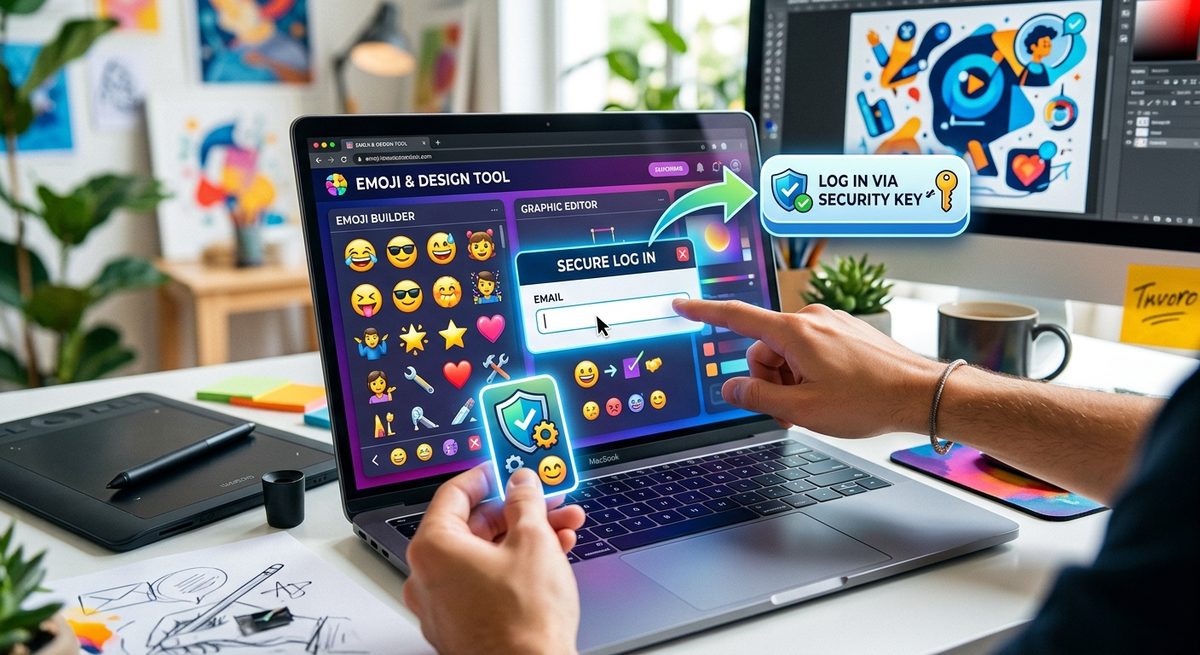
It happens across almost every category of creative app. Emoji generators, sticker tools, font previews, icon packs, animated GIF makers. They all want an email. Not because your email is necessary for the product to work, but because it feeds a marketing list.
Why These Apps Really Want Your Email
There is nothing wrong with a business wanting to grow its mailing list. But understanding why they ask helps you decide what you actually want to give them.
Most design tools are free at the basic level. They make money through upgrades, premium exports, and remarketing. Your email address is part of their growth funnel. Once they have it, you will receive welcome sequences, upgrade nudges, re-engagement campaigns, and the occasional "we miss you" message.
For someone who just wanted one custom emoji for a Slack channel, that is a lot of ongoing noise in exchange for a single download.
The other reason is verification. Many platforms use email confirmation to prevent bot signups, to gate premium features, and to create a recoverable account. The verification step itself is legitimate. The problem is what comes after.
The Types of Tools That Trigger This
Not every tool requires registration. But a surprising number do, especially in the emoji and design space. Here is a look at the main categories:
- Custom emoji generators that let you add text overlays, upload photos, or animate a face often gate the download behind an account.
- Sticker pack makers for platforms like WhatsApp or Telegram sometimes require login before you can bundle and export your finished set.
- Font generators and text art tools that offer commercial license downloads will almost always ask for an email to send the license file.
- Icon and illustration packs with a freemium model use email capture as the gateway between the free tier and the download.
- AI image tools that produce emoji-style avatars or cartoon versions of your selfie are almost universally gated.
That last category is worth pausing on. AI image generation tools have grown enormously in popularity, and nearly every one of them treats your email address as the price of entry, even for a single generated image.
What a Disposable Address Actually Does
A disposable email address is a temporary inbox that holds messages for a short window of time, then stops existing. You do not create it in advance. You do not need a password. You visit a service, get an address instantly, use it to register, receive the confirmation link, click it, and get your file.
After that, the inbox is gone or irrelevant. Nothing follows you home.
This is not the same as creating a throwaway Gmail account, which still ties back to a phone number and a Google profile. A genuinely temporary address has no connection to your identity and no persistence beyond the session.
Using a Temp Address for Emoji Tool Signups
Here is how the workflow plays out in practice, step by step:
- You find a sticker maker, emoji creator, or design tool that requires registration to export.
- You open a new tab and visit a service that provides a temp email address instantly.
- You copy that address and paste it into the registration form on the design tool.
- You complete the signup, then check your temporary inbox for the confirmation message.
- You click the verification link, return to the design tool, and download your file.
- You close the temporary inbox tab and never think about it again.
The entire process adds maybe thirty seconds to what you were already doing. The design tool gets a valid verification. You get your export. No marketing list gets your real address.
The service handles the inbox automatically, which means there is no account to create, no password to remember, and no settings to configure. It is the path of least resistance for anyone who values a clean inbox.
The Inbox Cost of Not Doing This
Here is a thought experiment. Imagine you sign up for twelve different design tools over the course of a year, which is not hard to do if you regularly make emoji, stickers, or custom graphics. You use each one once or twice and move on.
Without a disposable address, here is what follows each signup:
- A welcome email sequence, typically three to five messages over the first week.
- A weekly or biweekly newsletter, often sent indefinitely.
- Upgrade prompts tied to seasonal sales events.
- Re-engagement emails triggered when you go quiet.
- Occasional partner promotions or product announcements.
Multiply that by twelve tools and you are looking at a significant volume of email from services you barely remember using. Unsubscribing works in theory, but it takes time, and some senders are slow to honor those requests. A study from the Federal Trade Commission notes that commercial email must honor opt-out requests within ten business days, but that window still means a handful of messages arrive before the tap is turned off.
The alternative is to never let the real address in the door.
What Disposable Addresses Cannot Do
It is worth being clear about the limits here.
A disposable address is not the right tool for every situation. If you are creating an account you plan to return to, you will need your real email. Password resets, order confirmations, subscription management: all of that requires a recoverable inbox.
Disposable addresses also do not protect you from tools that fingerprint your browser or track your IP address. Email is one data point among several. For basic marketing list avoidance, though, a temporary inbox does exactly what you need.
Some tools also block known disposable domains. This is becoming more common, particularly with platforms that have aggressive anti-abuse policies. In those cases, the tool may not accept the temporary address and you will need to make a judgment call about whether the export is worth your real email.
Keeping Your Creative Workflow Clean
The best habit is to make disposable addresses part of your default routine for any new tool you are testing. Before you type anything into a registration form, ask yourself two things: Do I plan to use this tool regularly? Do I need account recovery in the future?
If the answer to both is no, use a disposable address. If the answer to either is yes, use your real one.
For emoji and sticker tools specifically, the answer is almost always no. These tools are often used for one project, one download, one specific need. They are not part of your permanent creative stack. Treating them accordingly, with a throwaway inbox rather than your real one, is just sensible digital hygiene.
There is also a secondary benefit that does not get talked about enough. A clean inbox is easier to process. When the only email in your inbox are things you genuinely signed up for, your attention is not diluted by noise. That is not a small thing for people who rely on email for actual communication.
Your Inbox Is Worth Protecting
Email clutter is not just annoying. It is a real cost on your attention and time. Every message you did not ask for is something you have to process, even if processing just means deleting it. Across hundreds of unwanted messages a year, that adds up in ways that are easy to underestimate.
The design tools that gate their exports behind email registration are not going away. If anything, more tools are adopting the model as software businesses get smarter about building owned audiences. That is their right.
Your counter-move is just as simple: use a disposable address when the tool is not part of your long-term workflow. Get the emoji. Get the sticker pack. Get the font file. And leave the marketing funnel empty.
That is not a technical trick. It is just a sensible boundary between your creative work and your inbox.