How Emojis Shaped the Visual Shorthand AI Image Tools Now Use
Emoji design and AI image prompts share the same visual grammar. See how your favourite emoji concept becomes stunning AI-generated art in minutes.
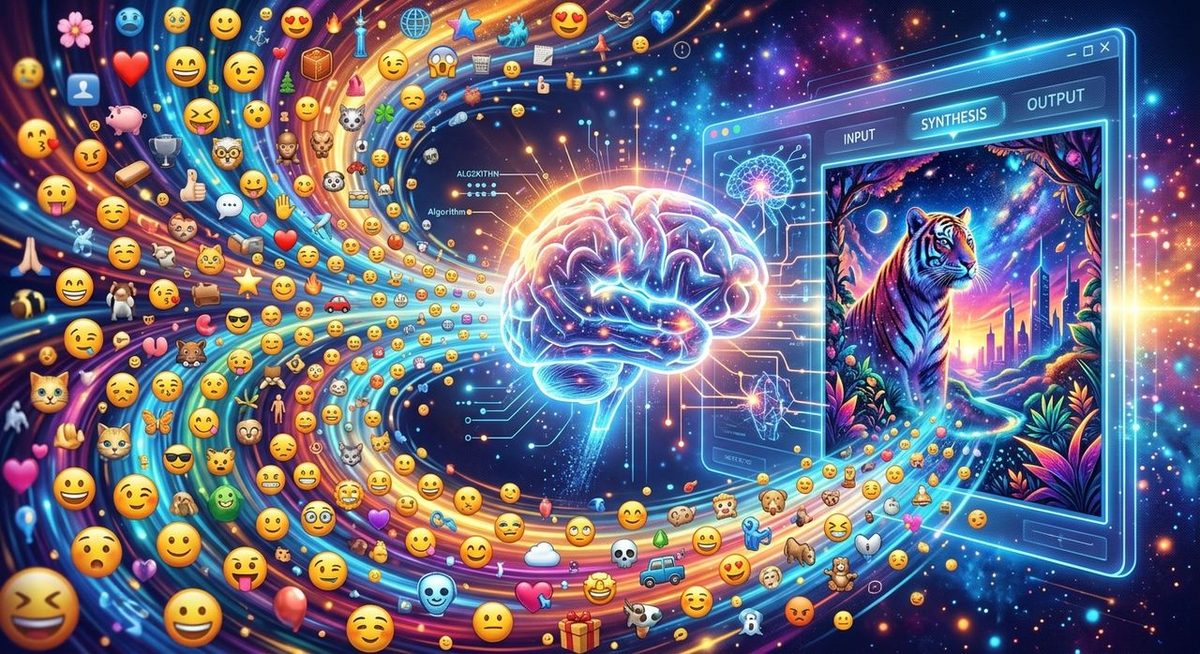
Emojis were never just cute little pictures. They were a crash course in visual communication, and billions of people took that course without realising it. A single fire emoji tells you something is hot, exciting, trending, or dangerous, all at once, without a single word. That same instinct, stripping an idea down to its boldest, most readable form, turns out to be exactly what modern AI image generators respond to best. The connection between emoji design philosophy and AI prompt writing is real, and once you see it, you cannot unsee it.
Key Insight: Emojis trained the world to think in bold shapes, reduced colour palettes, and universal emotional cues. Those same principles are the foundation of effective AI image prompts. If you can articulate what makes a water wave emoji feel like a wave and not just blue squiggles, you already know how to write a prompt that produces a striking illustration.
The Design Language Behind Every Emoji
Emojis did not happen by accident. The earliest pictographic sets, developed in Japan in the late 1990s, borrowed heavily from a long tradition of symbolic visual language. The Unicode Consortium, the body that standardises emoji across platforms, requires each character to be legible at tiny sizes, on screens of wildly varying quality, across different cultural contexts.
That requirement created a very specific design grammar:
- Bold outlines that hold up at 16 pixels or 160 pixels
- Simplified colour palettes, usually three to five dominant hues per emoji
- Archetypal shapes that trigger immediate recognition, a round face, a pointed flame, a curling wave
- Emotional shorthand baked into pose, colour temperature, and line direction
This is why 🔥 works. It is not a photorealistic flame. It is the idea of flame, reduced to its most communicable form. Orange fading to yellow at the tip, curving lines suggesting upward movement, a dark base for contrast. Your brain reads "fire" before you consciously process the image.
Why AI Image Generators Speak the Same Language
Here is where things get interesting. AI image generation models learn from enormous datasets of images paired with descriptions. The descriptions that produce the clearest, most consistent results tend to share certain qualities with emoji design. They are specific about dominant colours. They name archetypal subjects. They signal mood through concrete visual elements rather than abstract adjectives.
Prompts like "a photorealistic sunset over mountains" often produce muddier results than "deep orange and purple sky, silhouetted mountain peaks, dramatic contrast, wide angle." The second prompt thinks like an emoji designer. It names the palette. It names the shapes. It names the emotional register through visual choices.
Research into how humans process pictograms, covered in depth in academic work around pictography and visual cognition, consistently shows that reduced, high-contrast imagery is processed faster and retained longer than detailed scenes. AI models trained on human-generated data have absorbed this same bias. Bold visual statements get rendered more faithfully than complex, nuanced scenes.
Translating Your Favourite Emoji Into a Prompt
This is where the fun starts. Pick any emoji and think about what design choices make it that thing and not something else.
Take 🌊. What makes it read as a wave?
- The curve, a high arching peak on the left that breaks into white foam
- Deep blue at the base transitioning to turquoise near the crest
- A sense of forward momentum from left to right
- The white curl at the tip, suggesting power about to release
Now turn that into a prompt: "A cresting ocean wave, deep blue to turquoise gradient, white foam curling at the peak, dramatic overhead angle, bold graphic style."
Run that through a text to image generator and watch how directly those emoji-informed choices translate into a coherent illustration. The tool does not need a paragraph of context. It needs the same visual shorthand an emoji designer would use: dominant colour, archetypal shape, emotional cue, stylistic register.
Five Emoji and Their Prompt Equivalents
Here is a set of common emoji translated into prompt-ready language, using the same visual-grammar thinking:
- 🔥 Fire, orange-to-yellow gradient, upward curling lines, warm dramatic lighting, graphic illustration style
- 🌊 Cresting wave, deep blue to turquoise, white foam tip, bold side profile, motion implied by curve direction
- high voltage emoji Lightning bolt, sharp yellow diagonal, dark storm-grey background, high contrast, clean geometric edges
- cherry blossom emoji Cherry blossom, pale pink petals with subtle white gradient, soft bokeh background, gentle spring light
- new moon emoji Full dark moon, deep navy to black sphere, subtle grey surface texture, isolated on midnight background
Notice what every one of these descriptions has in common. A dominant colour pair. A defining shape. A lighting or contrast note. A mood signal. That is the emoji design checklist, repurposed as a prompt checklist.
From Concept to Creation: A Step-by-Step Approach
If you want to take an emoji concept and produce a finished image you are proud of, this process works well:
- Choose your emoji and name its two or three most recognisable visual features.
- Identify the dominant colour palette, usually two to four colours.
- Decide on the style register, photorealistic, flat graphic, painterly, or pixel art.
- Add a composition note, close-up, wide angle, isolated on white, surrounded by complementary elements.
- Write the prompt in plain, concrete language. Skip metaphors. Name what you actually see.
- Generate and iterate. If the result misses, ask yourself which visual element was under-specified, and add it.
The iteration step is important. Experienced emoji designers will tell you that the hardest part of their job is knowing what to remove, not what to add. The same applies to prompts. If your output is cluttered, your prompt probably asked for too many competing ideas. Strip it back to the core visual statement.
Bold Shapes Win, Every Time
There is a reason the most shared images on social media tend to have strong focal points, limited colour palettes, and clear emotional signals. They behave like oversized emojis. They communicate in a fraction of a second.
AI image tools are optimised for this same reality, because the humans who created the training data were already optimised for it. Decades of emoji use trained a generation to create, share, and prefer imagery that communicates boldly and immediately. That preference shaped the data. The data shaped the models. The models now reward prompt writers who think like emoji designers.
When you frame your prompt around archetypal shapes and honest colour descriptions, you are speaking the language the model was trained on most extensively. The results show it.
Sharing the Final Image
Once you have an image you love, the natural question is where to put it. Instagram and X both reward visuals that stop the scroll, and an emoji-inspired illustration, high contrast, emotionally clear, visually bold, is almost purpose-built for those feeds.
A social post generator takes the friction out of that final step. You bring the image, and the tool helps you build the caption, format, and framing that matches the platform you are posting to. It is the logical last step in a workflow that started with a single emoji idea and ends with a post that stands out.
What Emoji Taught AI Art
Emojis did something remarkable. They gave billions of non-designers a working vocabulary for visual communication. People learned, through daily use, that a few well-chosen colours and a strong silhouette could carry enormous amounts of meaning. That is not a trivial skill. It is the foundation of graphic design, iconography, and now, AI image prompting.
The tools have changed. The grammar has not. If you have ever carefully chosen between face with steam from nose emoji and angry face emoji because one felt more right than the other, you have already been practising the same instinct that separates a forgettable AI image from a striking one. Trust that instinct. Name what you see. Keep it bold, keep it specific, and let the generator do the rest.